Expressive voice control
Use natural instructions and audio tags to make speech sound warmer, calmer, faster, slower, more dramatic, or more conversational. Google says the model was built specifically to improve controllability and expressivity.
Turn plain text into clear, lifelike audio with Gemini 3.1 Flash TTS. Create voiceovers, product explainers, onboarding flows, customer updates, and story-driven audio that sounds more natural and more engaging. With better control over tone, pace, and delivery, Gemini 3.1 Flash TTS helps teams build polished voice experiences faster.
Gemini 3.1 Flash TTS is Google's modern text-to-speech model focused on natural delivery and precise control. Instead of just reading text out loud, it supports expressive instructions so output can better match emotion, intent, and context.
It is designed for creators and teams that need consistent quality across product audio, support flows, training content, and multilingual experiences. With fast generation and high controllability, teams can iterate quickly while keeping voice output on-brand.
Use natural instructions and audio tags to make speech sound warmer, calmer, faster, slower, more dramatic, or more conversational. Google says the model was built specifically to improve controllability and expressivity.
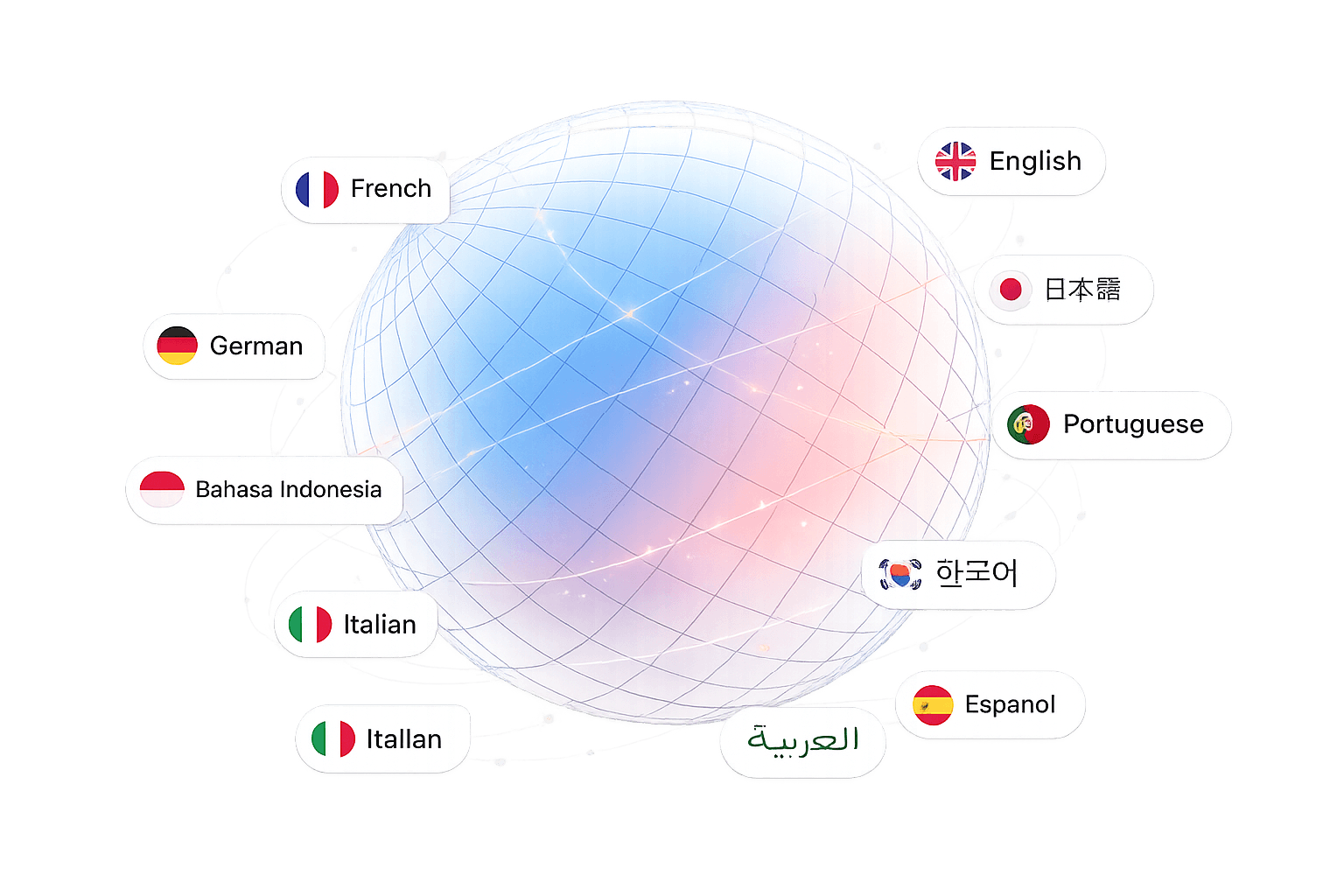
Gemini 3.1 Flash TTS supports global voice experiences, making it easier to serve multilingual audiences from one workflow.
It can support richer dialogue-style output, which is useful for conversational experiences, learning content, and storytelling.
Gemini 3.1 Flash TTS is available through Google AI Studio and enterprise workflows through Vertex AI, helping teams test and scale voice projects more easily.
With scene direction, speaker guidance, and exportable settings, teams can create repeatable voice output across products and campaigns.
Google says generated audio is watermarked with SynthID, which helps identify AI-generated content.
Listen to how different speaking styles sound in real scenarios, from narration and support to multi-speaker dialogue.
Demo 1 · Audiobook Narration
Fantasy novel excerpt with dynamic emotional transitions.
[cautious] [whispers] [panic] [awe]
Demo 2 · Customer Service
Bank fraud alert message balancing urgency and reassurance.
[neutral] [seriousness] [positive] [slow]
Demo 3 · Multi-Speaker Dialogue
Two-speaker conversational scene showing profile consistency.
Multi-speaker mode
Demo 4 · Multilingual
French narration generated using English audio tags.
[cautious] [gasp] [panic]
A practical stack for teams that need production-ready audio quality, control, and scale in one place.
Guide delivery with tags and instructions so the voice sounds intentional, not generic.
Run one production workflow across 70+ languages with consistent quality targets.
Use the same stack for videos, onboarding, support narration, and long-form content.
Generated audio includes SynthID watermarking support for AI content identification.
Get from text to production-ready audio in minutes. This workflow mirrors how teams run scripts inside the studio every day.
Sign up in seconds and open the Studio. No complex setup required.
Write your script, then pick language and voice. Add tags to shape pacing, style, and emotion.
Click generate to preview instantly, then use the audio in your app, videos, or workflow.
From assistants to media production, use one workflow across creative and professional voice scenarios.
Power assistants with expressive speech output so voice interactions feel natural and human.

Generate dynamic character voices with distinct emotional profiles across scenes and roles.

Transform scripts into long-form narration with pacing and expressive emphasis controls.

Produce ad, explainer, and social video voiceovers in minutes without recording sessions.

Scale content into 70+ languages while preserving emotional style and delivery quality.
Deliver spoken alternatives for users who benefit from high-quality audio-first experiences.

Use Gemini 3.1 Flash TTS to build natural audio for videos, apps, support flows, and global content experiences.
No credit card required · Free credits included · Cancel anytime
Teams across product, marketing, training, and localization use it to ship faster while keeping quality high.
“Way more natural than the flat AI voices we tested before.”
“We used it for product walkthroughs and the audio finally matched our brand tone.”
“The pacing controls made a big difference for training content.”
“Great for multilingual teams that want one workflow for voice creation.”
Gemini 3.1 Flash TTS is Google’s latest text-to-speech model for generating more natural and expressive AI voice from text.